Phase Essential Remotes have two types of calibration: an automatic sensor calibration that runs every session, and an optional manual calibration in Phase Manager for pitch accuracy.
Automatic calibration (every session)
This step is mandatory every time you use the Remotes. It takes a few seconds and happens without opening Phase Manager.
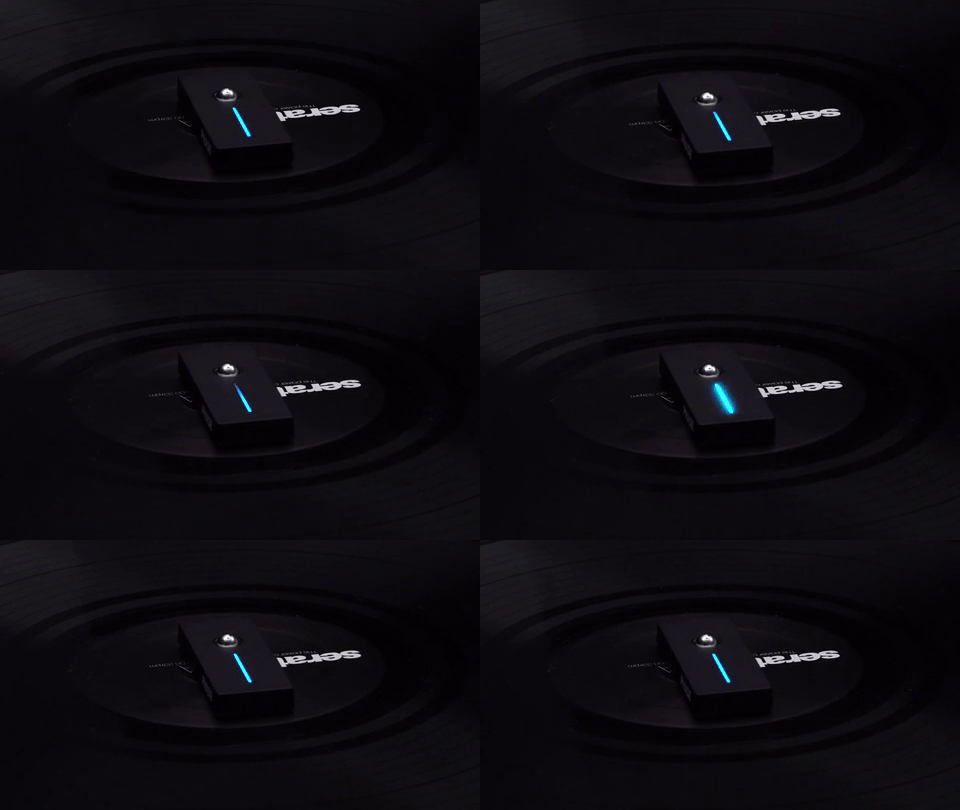
- Take the Remotes out of the Receiver and place them on a flat, still surface, ideally directly on the turntable platter with the magnetic sticker in place.
- The LED strip will animate up and down while the sensors find their zero point. Keep the Remotes completely still during this process.
- When the LEDs turn solid, calibration is complete and the Remotes are ready to use.
Do not move the Remotes while the LEDs are still animated. Even a small movement can affect tracking accuracy for the whole session.
Manual calibration (optional)
Manual calibration is only needed if you notice a difference between your turntable's physical pitch and the pitch value shown in your DJ software. You do not need to run it every session.
Before starting, make sure:
- The Remotes are linked to the Receiver
- The automatic sensor calibration is complete (LEDs are solid)
- The RPM setting in Phase Manager matches your turntables (33, 45, or 78 RPM)
- The pitch sliders on both turntables are at exactly 0%
- Open Phase Manager and go to Settings > Calibration.
- Place the Remotes on the spinning turntables with the pitch slider at exactly 0%.
- Click Start and follow the on-screen instructions.
Common Issues
The Remotes are stuck in calibration
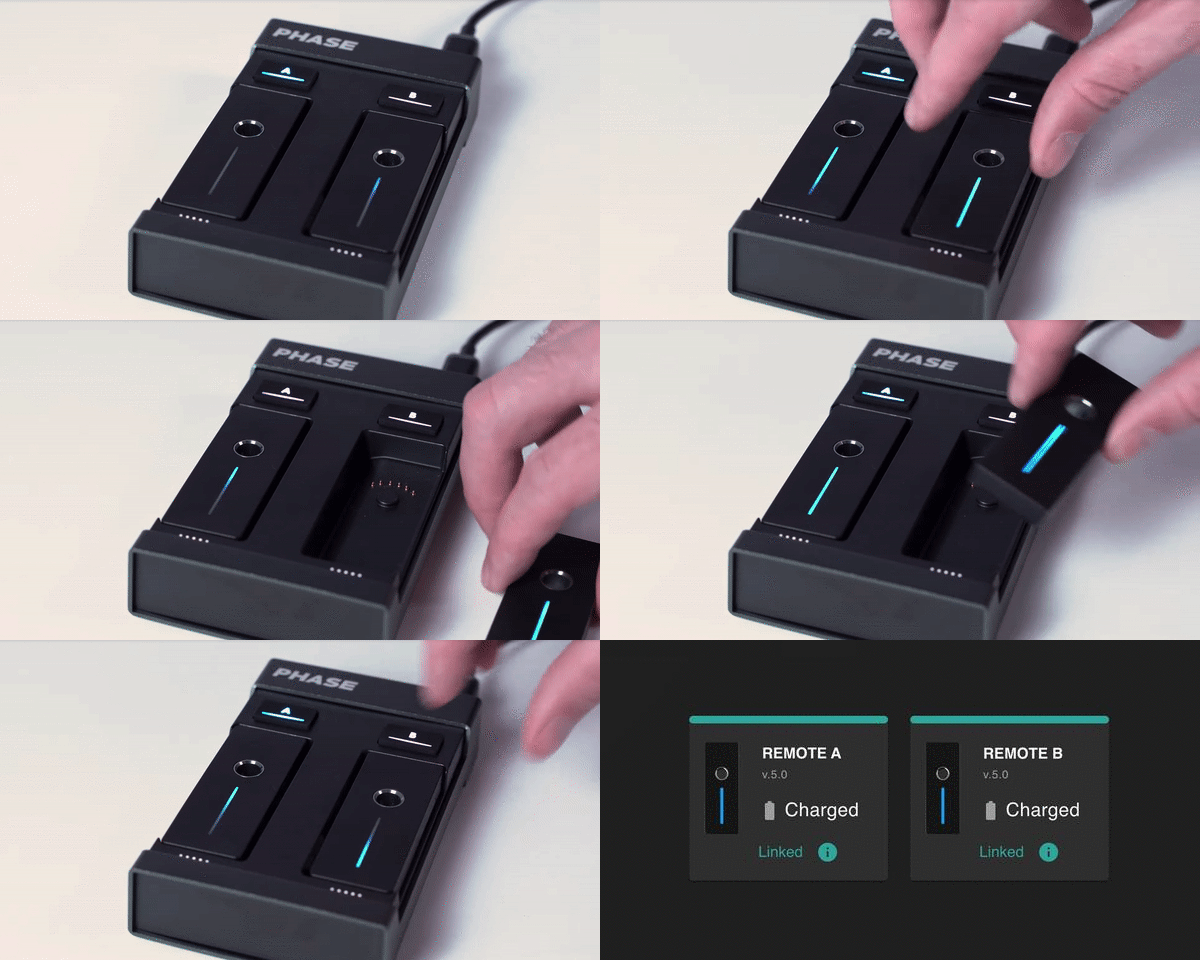
The LEDs keep animating and never turn solid. Place the Remotes back in the Receiver, wait a few seconds, then take them out again on a completely flat and still surface, away from any vibrations.
The Remotes are still drifting after calibration
Calibration was likely interrupted by movement. Place the Remotes back in the Receiver, take them out again, and keep them completely still until the LEDs turn solid.
Manual calibration fails with an error
Unplug the Receiver, quit Phase Manager, plug it back in, relaunch the app, take the Remotes out, spin the platters, and try again.
A Remote is frozen or unresponsive
Place it back in the Receiver dock, wait a few seconds, and take it out again. If it remains frozen, long-press the A or B button on the Receiver to re-pair it, then redo the automatic calibration.
Double-tap calibration triggers mid-set
This feature is available in Settings > Calibration but we recommend leaving it off. Vibrations from bass or the platters can trigger it accidentally and cause a recalibration mid-set.
Running into issues?
The Phase team will help you figure it out.
Was this article helpful?
That’s Great!
Thank you for your feedback
Sorry! We couldn't be helpful
Thank you for your feedback
Feedback sent
We appreciate your effort and will try to fix the article