Each Phase unit is linked to one account at a time. Depending on your situation, here's how to unlink it.
I'm selling, giving away, or switching to a new email
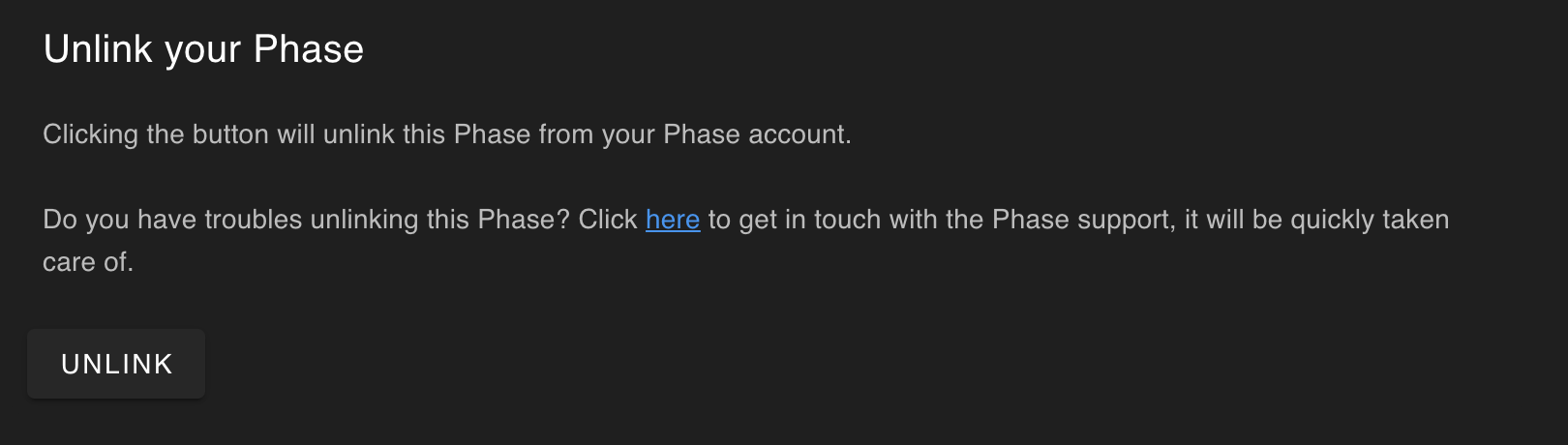
You can unlink the unit yourself directly from Phase Manager.
- Open Phase Manager and connect your Phase to the computer via USB
- Go to Settings, then About this Phase
- Click Unlink
- Confirm the action
The unit is now free and can be linked to any Phase account.
I received or bought a Phase linked to someone else's account
You can still use and personalize the unit, but you won't be able to register it under your own account until it's unlinked. The Phase team handles this remotely.
Submit a ticket with your Receiver's serial number (10 digits, printed on the back of the unit or visible in Phase Manager). That's all that's needed. The team will then confirm the unlink by email.
Need a hand with your account?
The Phase team is here to sort it out.
Was this article helpful?
That’s Great!
Thank you for your feedback
Sorry! We couldn't be helpful
Thank you for your feedback
Feedback sent
We appreciate your effort and will try to fix the article